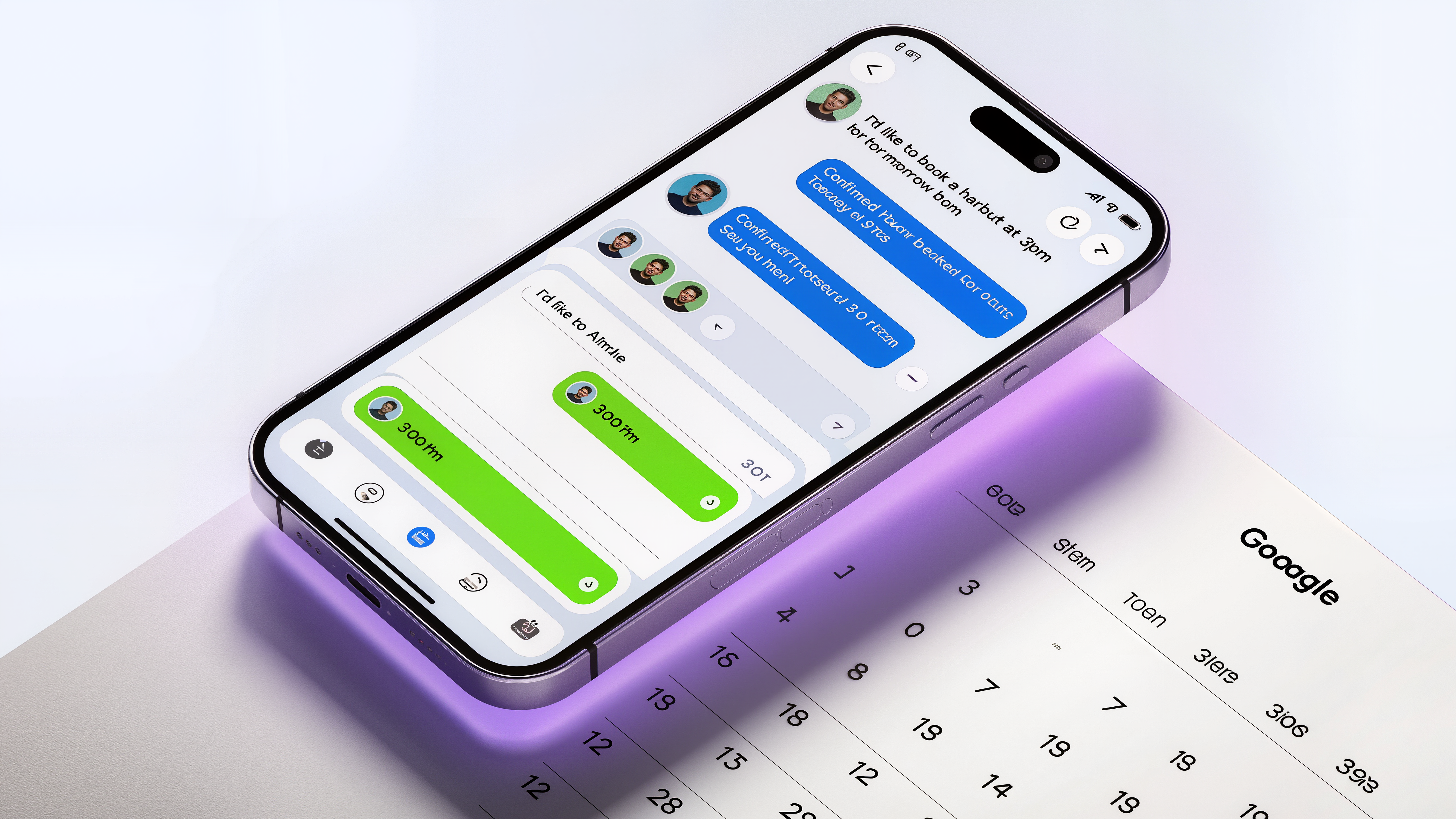
How AI Automatically Books Appointments: A Complete Guide
From the moment a caller says "I'd like to schedule an appointment" to the confirmed event in your calendar — here's exactly what happens, and why it works better than manual booking.
Business owners often ask: "How does the AI actually book the appointment? Does it just take a message and I do it later?" The answer is no — and that distinction is everything. AI Recepts doesn't take messages — it completes bookings. By the time the call ends, the appointment is in your calendar, a confirmation has gone out, and you haven't lifted a finger. Here's the complete picture of how it actually works, whether you're booking dental appointments, salon appointments, or service calls.
The Anatomy of an Automatic Booking
Automatic appointment booking happens in a sequence of interconnected steps, all occurring within a single phone call — typically lasting 2–4 minutes:
Caller Identification
The AI greets the caller and determines who they are — new client or returning customer. If returning, the AI can reference past appointments ("Welcome back — last time you booked a color treatment with Maria"). This personalization increases conversion rates significantly.
Service Selection
The AI asks what service the caller needs and maps their answer to your actual service menu. "I need my pipes fixed" maps to "plumbing repair." "I want highlights" maps to your highlights service with the correct duration and price. The AI understands natural language — callers don't need to use exact service names.
Real-Time Availability Check
This is where the magic happens. The AI connects to your calendar in real time — Google Calendar or Outlook — and checks actual availability. Not a static list of slots, but your live calendar, accounting for existing bookings, buffer times, and your custom booking rules. When the AI says "I have Tuesday at 2 PM available," that slot is truly open.
Time Negotiation
The AI offers available slots that match the caller's preferences — "Do you prefer mornings or afternoons?" — and works through alternatives if the first offer doesn't work. This back-and-forth mirrors what a skilled human receptionist would do, but faster and without frustration.
Confirmation and Calendar Write
Once a time is agreed on, the AI confirms the booking details aloud ("Great — you're booked for Thursday, March 12 at 10:30 AM for a haircut with Jessica. Can I confirm your phone number for reminders?") and simultaneously writes the event to your calendar with all relevant details.
Confirmation Sent
Within seconds of call end, the caller receives an SMS or email confirmation with the appointment details and address. No-shows drop dramatically when clients have a reminder in writing.
Your Booking Rules, Applied Automatically
One of the most powerful aspects of AI booking is that it respects your exact business logic — not a generic template. When you set up AI Recepts, you configure rules that the AI follows on every call:
Booking Rules You Set
- • Appointment duration: 30, 60, 90 minutes per service
- • Buffer time: 15 min between appointments
- • Advance notice: Minimum 2 hours before booking
- • Booking window: No bookings more than 60 days out
- • Blackout dates: Closed holidays, vacation blocks
- • Staff assignment: Specific clients to specific providers
What AI Enforces Automatically
- • Never double-books existing appointments
- • Respects buffer times between every session
- • Blocks holiday dates without exceptions
- • Matches service duration to calendar block size
- • Routes clients to correct staff member
- • Declines requests outside business hours
What Happens During Peak Times
The biggest advantage of AI booking isn't normal business hours — it's what happens when your phone is busiest and your staff is most stretched. Three common scenarios where AI booking outperforms human booking:
Scenario 1: Staff Is Mid-Appointment
Your hairstylist is 45 minutes into a color treatment. Phone rings. Without AI: call goes to voicemail or the stylist awkwardly answers mid-service, providing poor service to both clients. With AI: the call is answered immediately, appointment booked professionally, client in the chair gets 100% attention.
Scenario 2: Multiple Simultaneous Calls
A law firm runs a marketing campaign that drives 8 calls in 20 minutes. One receptionist cannot handle 8 simultaneous conversations. AI handles all 8 concurrently — no hold times, no dropped calls, all inquiries answered and appointments booked without any single caller feeling deprioritized.
Scenario 3: After-Hours Booking
It's 9:30 PM. A potential dental patient calls after seeing your ad. With AI: the call is answered, the appointment is booked for next Tuesday at 10 AM, and the patient wakes up the next morning with a confirmation already in their inbox. Without AI: voicemail, probable no callback, patient finds another dentist by morning.
Cancellations and Rescheduling
Automatic booking isn't just for new appointments — AI handles the full lifecycle:
- Cancellations: When a client calls to cancel, the AI removes the appointment from your calendar and immediately offers the slot to anyone on the waitlist — filling the gap before you even know it opened.
- Reschedules: Client needs to move their appointment? AI finds the next available slot that works, updates the calendar, and sends a new confirmation — all without your involvement.
- No-show prevention: AI sends automatic reminders 24–48 hours before appointments — a reminder with an easy way to cancel or reschedule is one of the most effective, well-documented ways to cut no-shows — and gives you time to fill the slot if someone does cancel.
- Waitlist management: When a popular slot opens up, the AI contacts waitlisted clients in order and offers the slot — turning cancellations from revenue lost into revenue recovered.
Calendar Integration: How It Actually Works
AI Recepts connects to your calendar via OAuth — the same secure connection method used by apps like Zoom, Calendly, and HubSpot. No passwords are ever shared. The connection gives the AI read-write access to the specific calendar you designate, and nothing else.
Supported Calendar Platforms:
The calendar sync is bidirectional and real-time. When you manually add a block to your calendar (dentist appointment, personal errand), AI immediately sees it as unavailable. When AI books an appointment, you see it in your calendar within seconds. There's never a lag or a sync delay.
The Time Math
Let's quantify what automatic booking actually saves:
And that's only the direct labor cost. The indirect benefit — never missing a booking because no one answered — often dwarfs the labor savings.
Automatic appointment booking isn't a futuristic concept — it's available today, works with your existing calendar, and requires no hardware or complex setup, starting at $69/month. The technology has matured to the point where AI booking is more reliable, more professional, and more consistent than most human receptionists. The question isn't whether it works. The question is how many bookings you're missing while you wait.